I had done the training. A week after signing up, I still had no first order. That was my DeliverThat experience when I wrote this in October 2024. The interesting part was the gap between being ready to work and actually receiving work.
The screenshots below accompanied that original account.
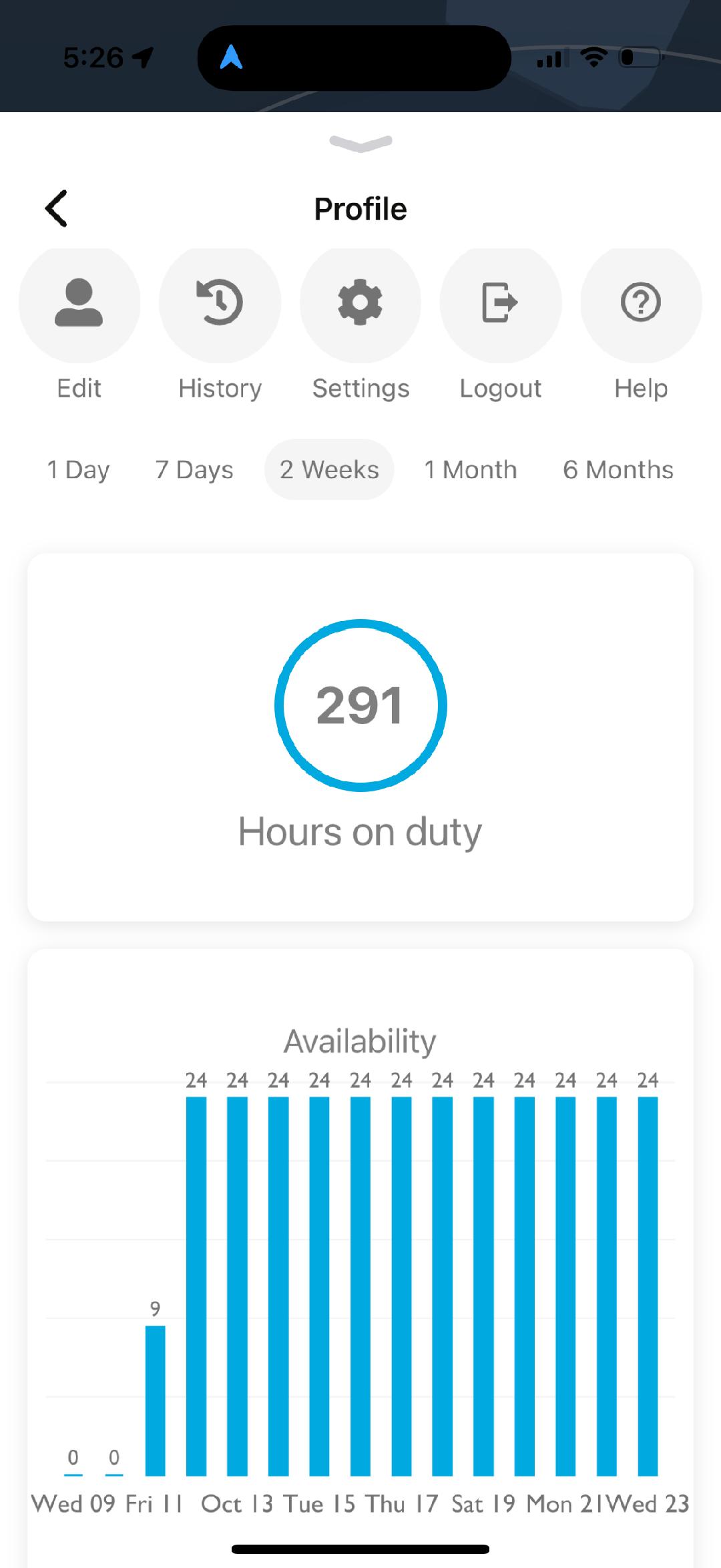
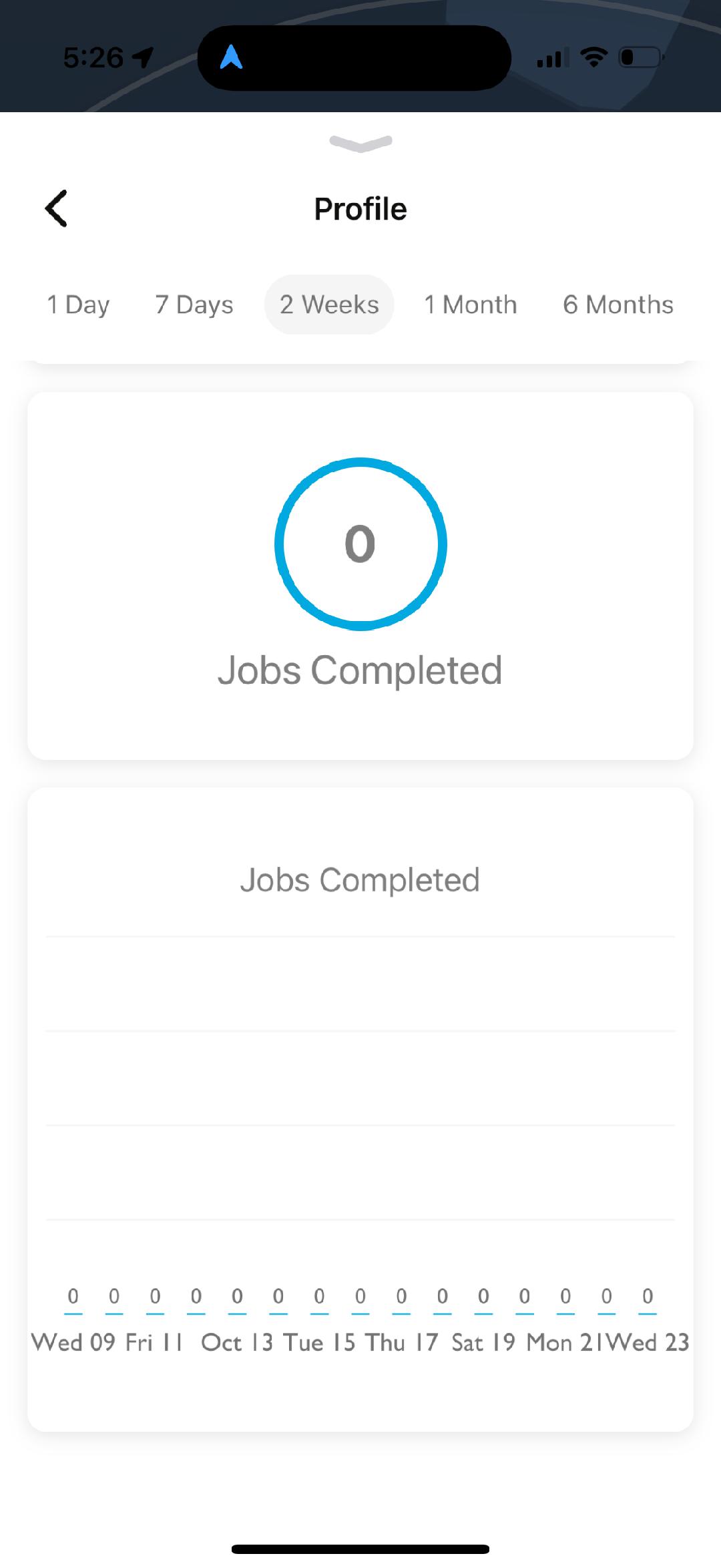
The signup work came before the delivery work
I had watched several training videos and passed a test. In my original account, I described the application process as tedious and a bit overwhelming, but I was ready to start taking deliveries.
Then I waited. I kept checking the app and leaving time available. That is the limit of this review: getting started and waiting. I had not completed a delivery, so I had no personal DeliverThat earnings to report.
What to check while waiting for an order
First, separate an account that still needs an onboarding step from an active account with no suitable offers. Review the messages and account status shown to you. If the next step is unclear, use DeliverThat’s official support resources instead of assuming repeated refreshing will fix it.
These are practical checks, not a claim that any one issue caused my wait:
- Are there outstanding screening, training or equipment steps in your account?
- Are your location and contact details correct?
- Can you receive the app’s notifications?
- What pickup times and areas can you realistically cover?
Keep other work available while you find out. An application and an open calendar are not earnings.
What DeliverThat currently says about getting started
The official driver page describes online registration and screening, delivery bags, and selecting deliveries that fit your availability. Check the current application instructions for your market before spending money on equipment. Source checked September 9, 2026.
The company advertises average compensation above $30 per delivery on that page. That is its published claim, not my earned rate or an hourly figure. My original post repeated higher earnings figures I had heard from other drivers. I had no completed deliveries to substantiate those numbers, so they are not used as evidence here.
What would make it worth the time?
A catering payout has to cover getting to pickup, waiting, loading, driving, carrying the order inside and any setup. The return trip matters too. When orders become available, record the full time, miles and money received. Use the delivery-offer comparison guide to evaluate those details.
For an account with actual reported payouts, see my $381.40 Dlivrd catering week. Those seven deliveries were on a different platform. They show what that particular week produced, not what DeliverThat will pay.
If you are looking at catering inside DoorDash, use the DoorDash catering access and bag guide. The application and order requirements are separate.
Featured photo: Thriday on Unsplash. Illustrative catering photo, not a photo of my deliveries.